Next.js CMS Without a Database: Your Real Options
Most CMS options for Next.js assume you want a database or a SaaS backend. Here are the ones that actually fit a static or Git-based deployment model.
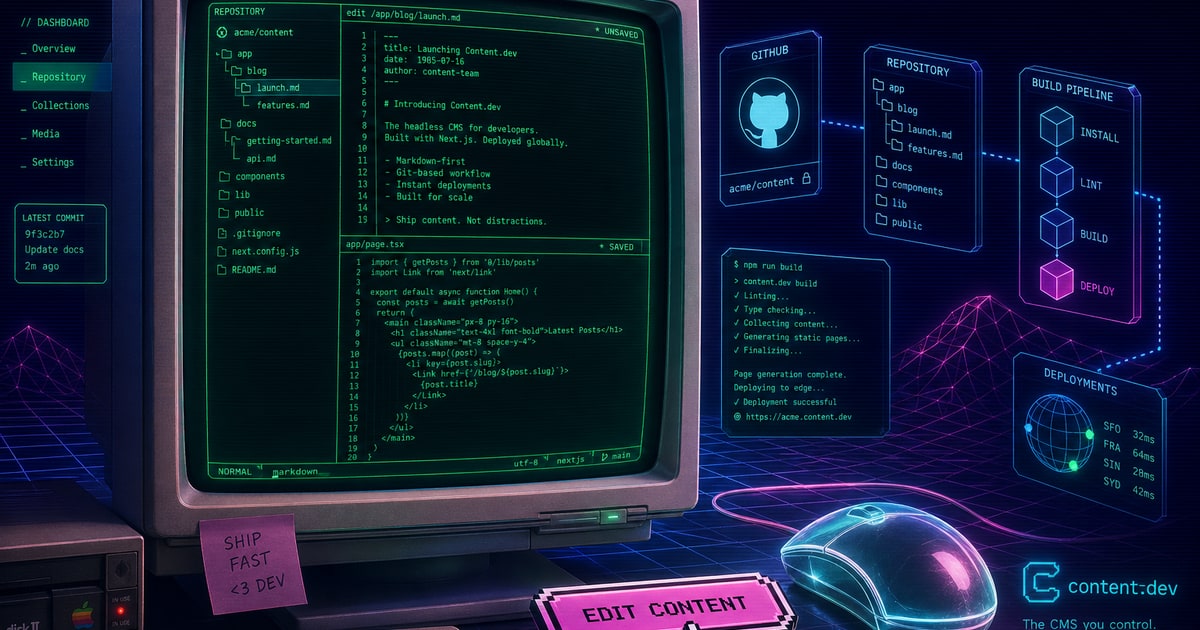
When building a Next.js project, giving clients a way to edit content sounds simple, but the obvious solutions are often not the best fit. Platforms like Contentful and Sanity introduce a full SaaS backend, which means adding an external API, a separate billing relationship, and a dependency that lives outside your repository. That is not just an architectural choice, it is a trade-off. If your site is static or edge-first, you are introducing a runtime dependency where one may not be necessary.
On the opposite end, there is the lightweight approach: storing content as Markdown files directly in the repo. Next.js supports this well out of the box. getStaticProps can read from the filesystem, and tools like gray-matter and next-mdx-remote make parsing and rendering MDX straightforward. This setup is fast, free, and version-controlled by default. The drawback is usability. It assumes that anyone editing content is comfortable with Git, pull requests, and a code editor. That works for developers, but rarely for clients.
The Middle Ground: Git-Backed CMS Tools
Several tools attempt to bridge this gap. Tina CMS offers an inline editing experience that writes back to MDX files and can commit changes to GitHub. Decap CMS, formerly Netlify CMS, provides a web-based admin interface that reads and writes Markdown through the GitHub API. Both are viable, but each comes with trade-offs. Tina often relies on its cloud backend in production, while Decap’s configuration can become complex enough to require ongoing maintenance.
At their core, these tools are solving the same problem: non-technical users need a simple way to manage content, while developers want those changes tracked in version control. The difficulty is that many solutions either overcomplicate the editing experience or introduce friction into the deployment workflow.
What Actually Matters
For a Next.js project, the decision usually comes down to three questions:
- Where does content live at build time: in the repo, an external API, or a database?
- Who is editing content, and how often?
- How important is build reliability and independence from third-party services?
A marketing site with occasional updates has very different needs than a frequently updated blog. Likewise, if your build pipeline depends on an external API, any outage can become a deployment blocker.
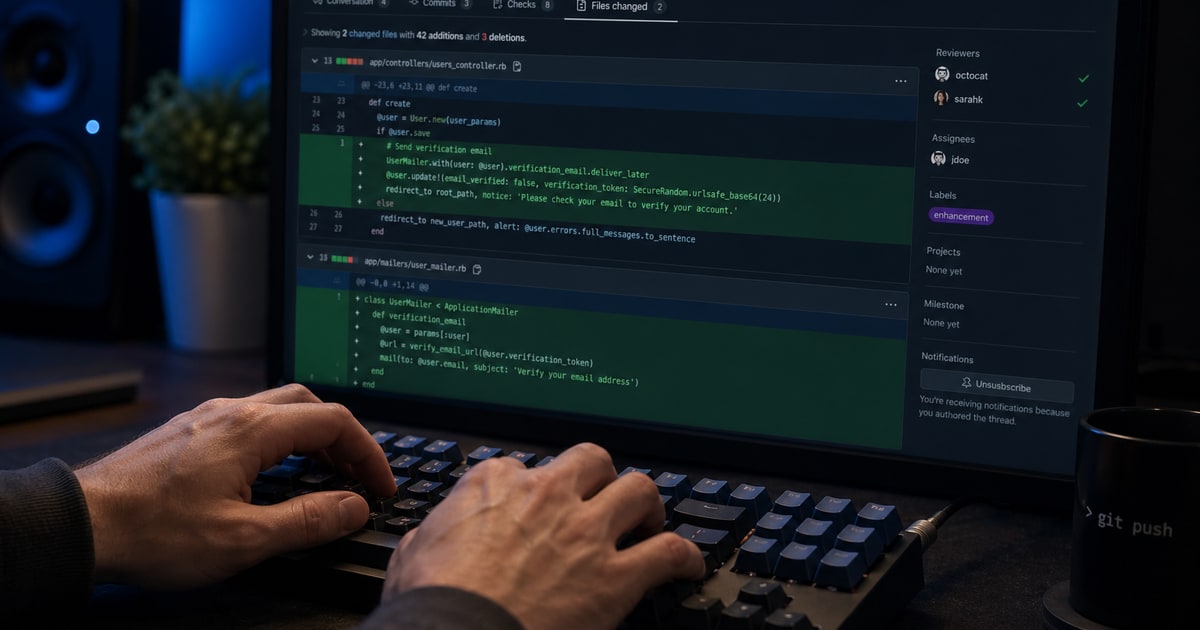
If your content already lives in Markdown or MDX within the repo, tools like Mergeline fit naturally into that workflow. They add a user-friendly editing interface on top of your existing files and commit changes directly to the repository. Your Next.js build process stays exactly the same. There is no additional database, no external API at build time, and no extra infrastructure to manage.
The result is a clean separation of concerns: clients get an intuitive editing experience, and developers keep a predictable, version-controlled system. For many Next.js projects, that balance aligns closely with how the architecture is meant to work.