Astro CMS Options: What Actually Works in 2025
A practical look at the CMS options available for Astro sites, from headless APIs to Git-backed editors, and what each approach costs you in practice.
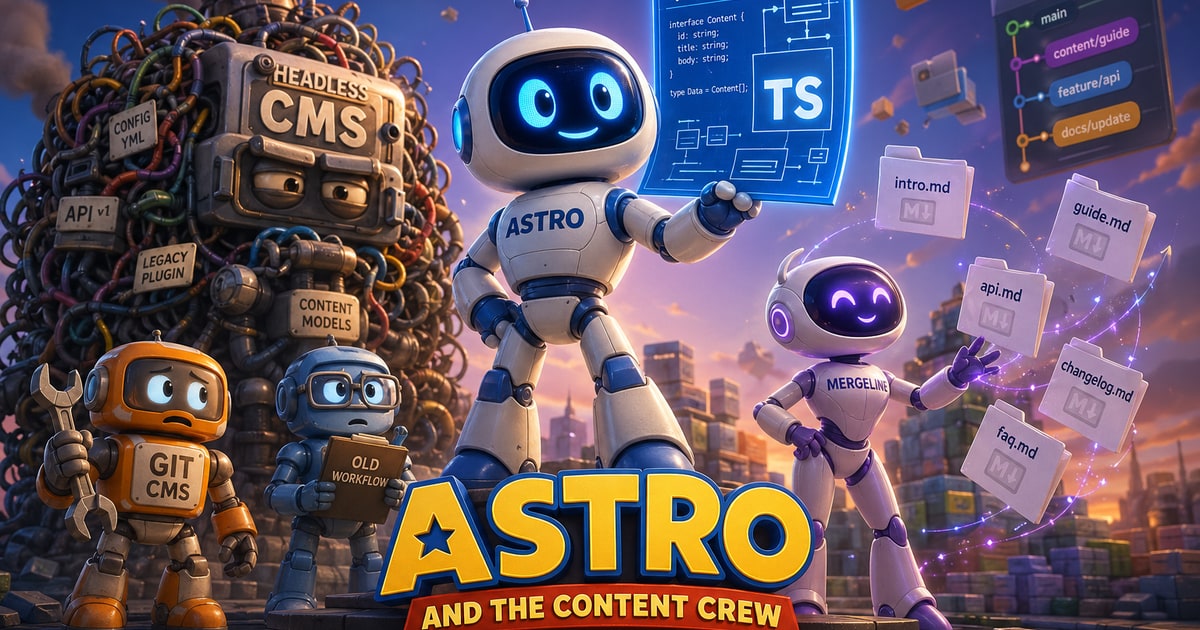
Astro, Content Collections, and the CMS Question
Astro’s content collections API changed how we think about structured content on static sites. Instead of defaulting to a CMS, you can define a schema in TypeScript, drop Markdown or MDX files into src/content, and get fully typed, validated content—no database, no API calls, no extra infrastructure. For a solo developer or small team, that workflow is hard to beat.
The friction shows up when someone else needs to edit that content.
At that point, most teams reach for a headless CMS like Contentful, Sanity, or Storyblok. These tools solve the editing experience well, but they introduce tradeoffs that feel out of proportion for many Astro projects. Your content moves outside the repository, your build depends on an external API, and your data model lives in a separate system. If the service goes down—or its pricing changes—your build pipeline or your budget takes the hit. For a static site, that’s a lot of operational weight.
A more natural fit is a Git-backed CMS: tools that treat your repository as the source of truth and write content changes directly as commits. Decap CMS (formerly Netlify CMS) has been around for years, but its configuration is verbose, its UI shows its age, and it requires additional OAuth plumbing. Tina CMS offers a more modern editing experience, but introduces its own runtime requirements, either locally or through a hosted service. Both approaches move in the right direction, but neither fully embraces Astro’s content collections as the canonical schema—you often end up maintaining the same structure twice.
Mergeline takes a simpler approach. It connects directly to your repository, reads your existing content collections, and uses them as the schema. Editors work in a clean interface that creates and updates Markdown files, committing changes back to Git automatically. There’s no API layer, no secondary data store, and no duplicated configuration. For Astro projects already organized around content collections, that alignment matters: the CMS adapts to your system, not the other way around. Built-in AI assistance further lowers the barrier for non-technical editors, removing the need to understand frontmatter or formatting details.
When choosing a CMS layer for Astro, the decision comes down to a few practical questions. Does the CMS own your content, or does your repository? Will your build fail if the CMS is unavailable? Are you maintaining more than one schema? And can a non-developer comfortably use the editing interface?
Headless CMS platforms optimize for editor experience, but introduce external dependencies and duplicated structure. Git-backed tools preserve control and simplify builds, but vary in usability. For most Astro sites—especially those with ongoing client edits—the balance favors a Git-backed approach that understands your existing file structure.
Astro already gives you a clean, structured content system. The best CMS is the one that stays out of its way.